
Paper coloring never needed fixing. The crayon grip, the quiet focus, the smell of a fresh printout — that is childhood working exactly as designed. So we did not replace it. We added one moment to the end: the part where the turtle your child just colored lifts off the paper and swims away.
Why paper still wins
Tablets are convenient, but paper does things glass cannot. Pressing a crayon builds hand strength and control that swiping never will. Paper is also naturally calm: no notifications, no menus, nothing to accidentally tap. Occupational therapists keep recommending real crayons for a reason.
The usual problem is what happens after: the coloring goes on the fridge, then in a drawer, then quietly in the bin. The effort deserves a better ending.
How it works, start to finish
- Pick a creature. Open Pintsei's Tropical Coral Reef and choose a template — the sea turtle is the family favorite, but the jellyfish, seahorse, shark, and anchovy are all waiting.
- Print it. Every creature has a Print button. You get a clean, anatomically friendly outline on a full page — made to be colored with anything: crayons, markers, watercolors.
- Color it their way. Inside the lines, outside the lines, purple shell, rainbow flippers — all correct. (Wondering what your child's coloring style says about their age? We wrote about the stages of children's coloring.)
- Scan it with your camera. Point your phone or tablet camera at the finished page. Pintsei lifts the creature off the paper — no photo editing, no cropping by hand.
- Watch it come alive. The turtle swims into the reef with your child's exact colors, joining every other creature they have made. That is the moment. Watch their face, not the screen.
Before and after, side by side:
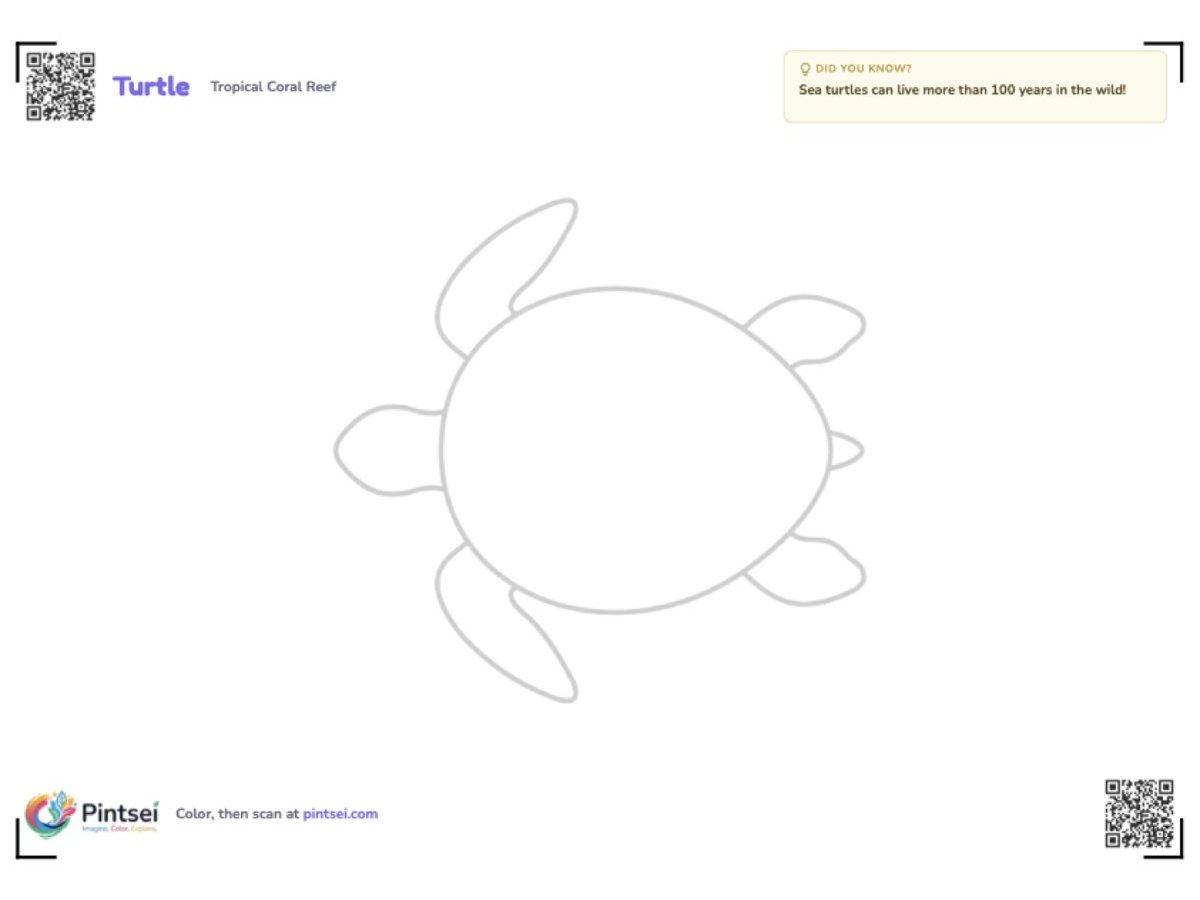
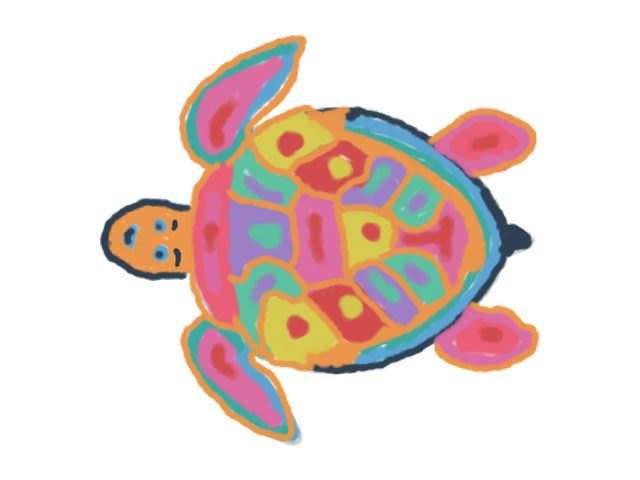
Download the sea turtle template (PDF)
Want the jellyfish, the seahorse, the shark — or something beyond the reef entirely? Every creature in Pintsei has its own Print button: open the app and print any of them on the spot.
Tips for a perfect scan
- Flat page, good light. Daylight near a window works best; avoid strong shadows across the paper.
- Fill the frame. Get close enough that the creature takes up most of the camera view.
- Bold colors scan best. Pressed crayon and marker read beautifully; very light pencil can fade.
- Keep the outline visible. The lines help Pintsei find the creature on the page.
Ideas for home and classroom
- Rainy afternoon: print three turtles, color one each, and race them into the reef together.
- Classroom reef: every student colors one creature, then the class watches their shared reef fill up — twenty artists, one ocean.
- Grandparent time: paper and crayons are a language every generation speaks. The scan is the grand finale.
- Progress keepsake: save the papers. The same child, the same turtle, three months apart — and a reef full of neighbors to learn about along the way.
Not just the reef
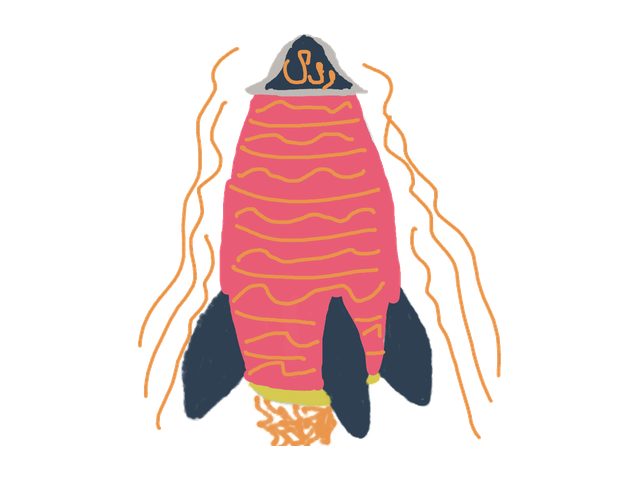
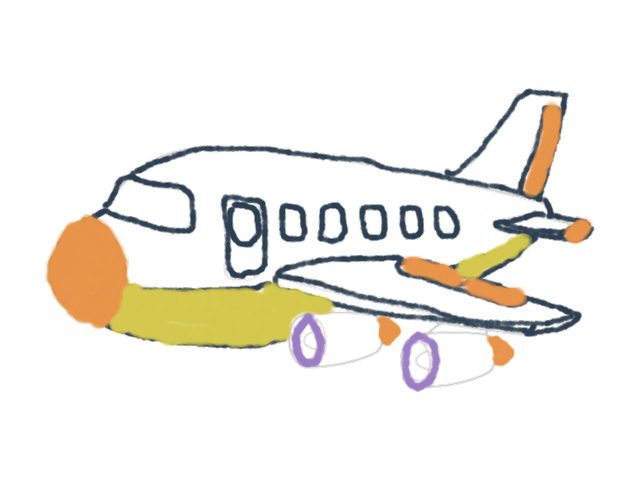
Every Pintsei world prints the same way. Planes and helicopters wait in Sky City's clouds; rockets and aliens wait in Cosmic Space:
Free to start
Printable templates are part of Pintsei's free plan — no download, works in the browser on any device. Print, color, scan, and watch the first swim. The fridge can have the paper afterward; the reef keeps the turtle.